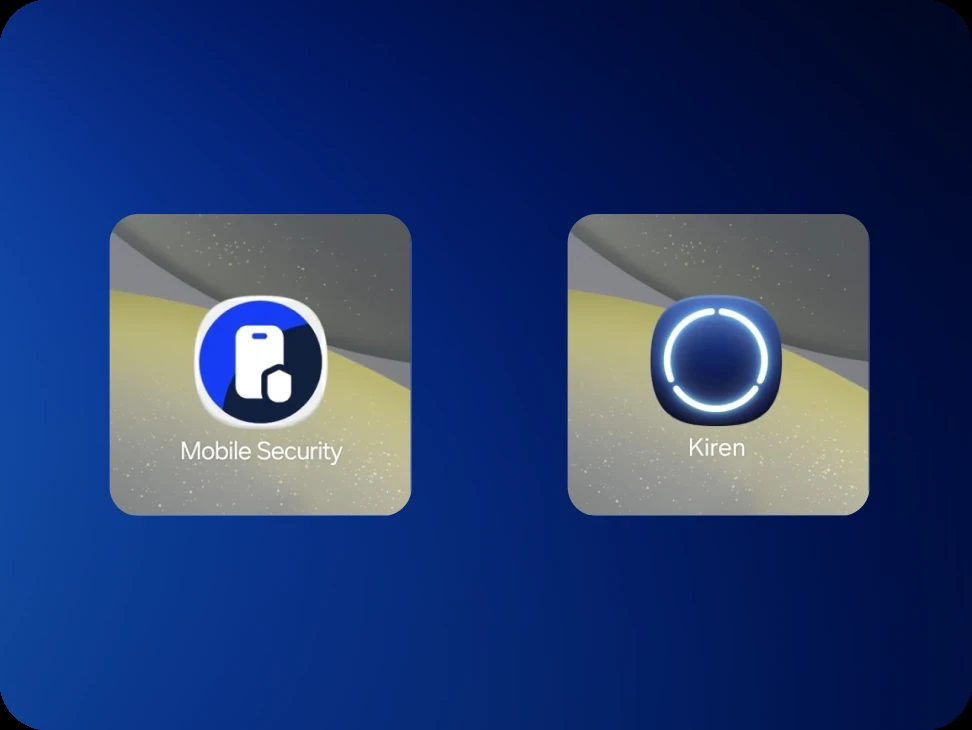
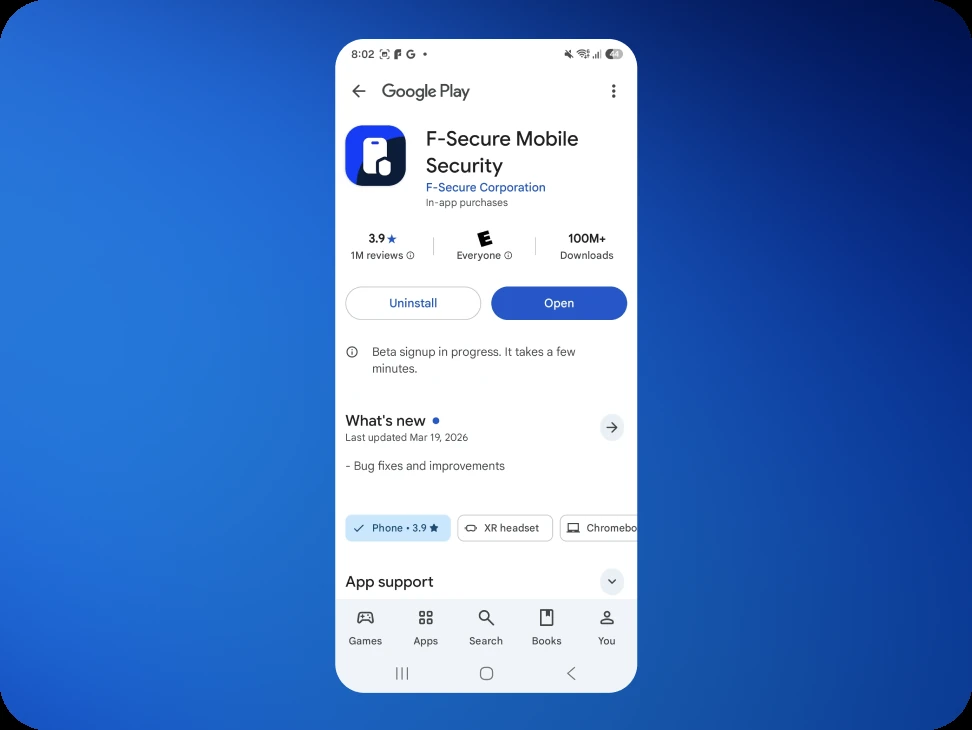
The app is still called Mobile Security in the store
The Play Store listing for the test build shows F‑Secure Mobile Security, not Kiren. That is expected. A test build cannot carry its own name, icon or screenshots in the store, so it inherits them from the app it will eventually replace. Once testing has started, the listing title changes to F‑Secure Mobile Security (Beta).
Once the app is installed, the name and icon on the home screen are Kiren's.
Check which Google account is signed in
Access to an Android beta is granted to one Google account. It has to be the account signed in to the Play Store on the test phone, which is not always the same address used to sign up for the beta.
Open the Play Store, tap the profile icon in the top right, and look at the address at the top of the panel. That is the account that matters.
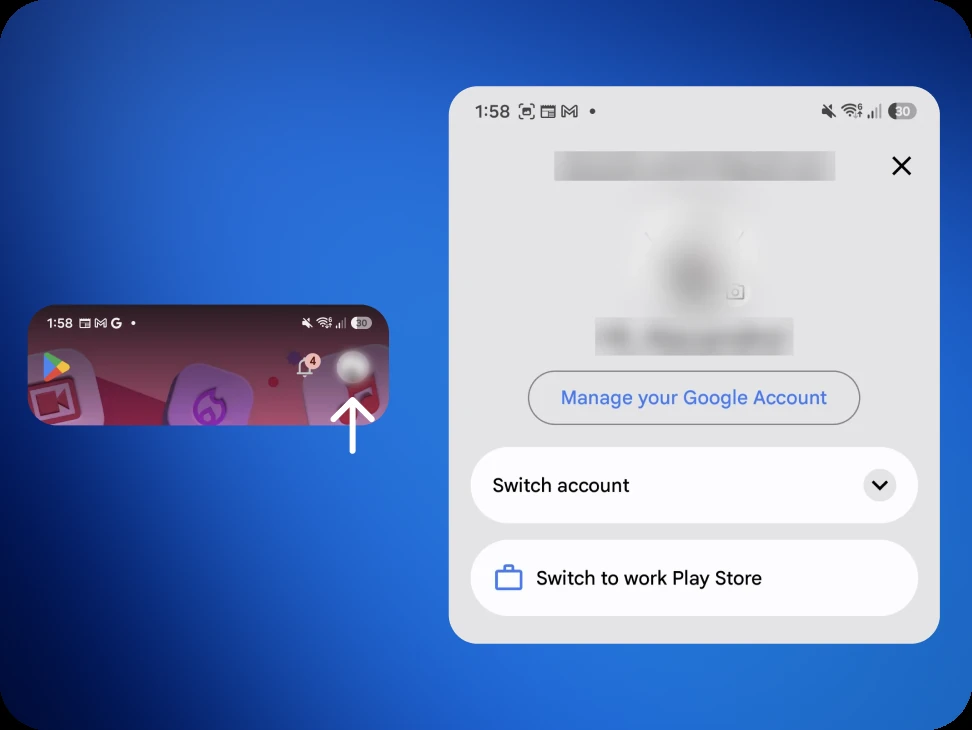
Any Google account works here. It does not have to be a Gmail address: an account registered against an Outlook, iCloud or work address is still a Google account.
If it matches the address the beta was signed up with, nothing else is needed. Continue below.
If it is a different address, that address has to be added before anything will install. Send it to us using the form. Adding it is a manual step at our end, and a confirmation email follows once it is done.
Join the test program
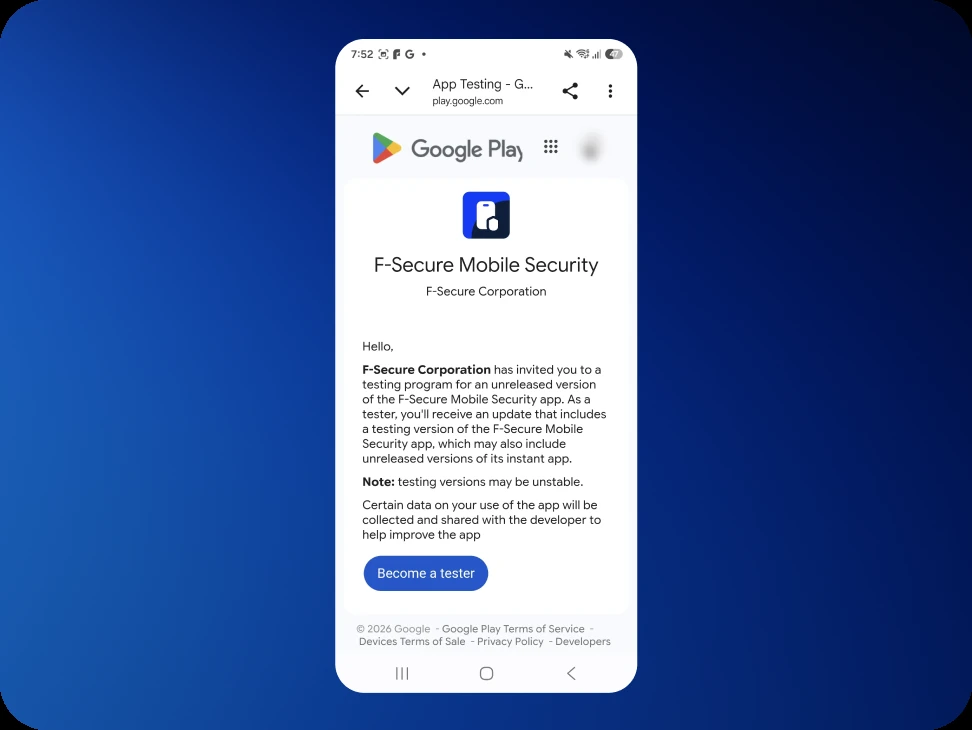
Open the link from the invitation email on the phone that will be used for testing, and tap Become a tester.
The page confirms "You are a tester." straight away.
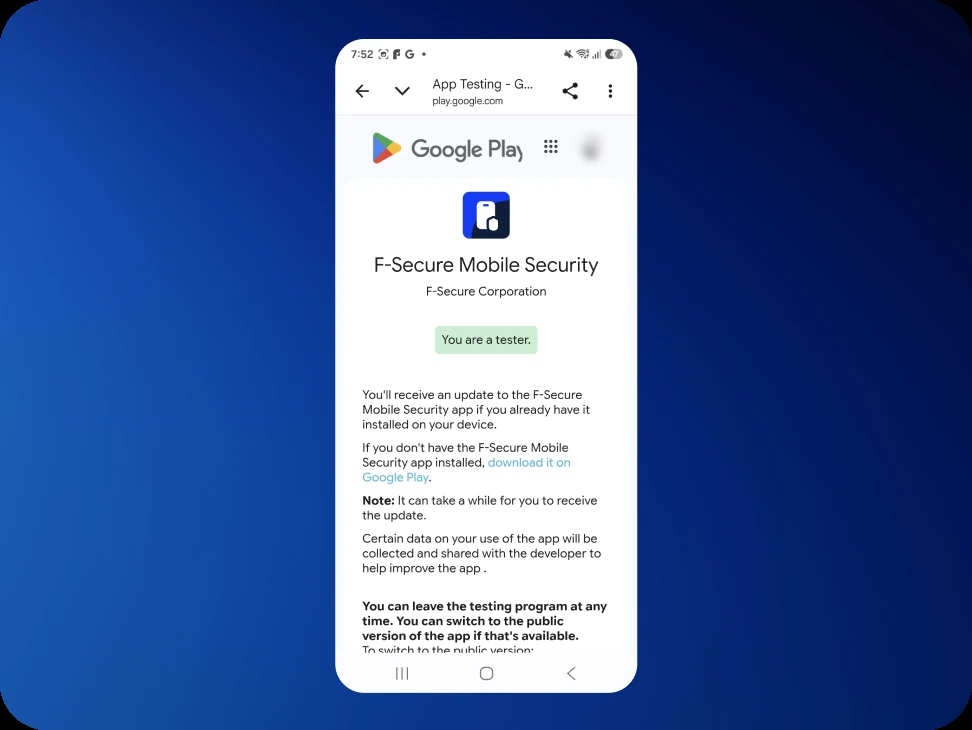
That confirmation is about the test program, not about the app. Nothing has reached the Play Store yet.
Wait for access to reach the Play Store
Joining does not make the test build available immediately. Access takes about ten minutes to reach the Play Store, and it can take half an hour. The delay is on Google's side. There is no way to speed it up, and nothing announces it when it clears: no notification arrives, and nothing on screen counts down.
Partway through the wait, the store listing starts showing "Beta signup in progress. It takes a few minutes." This confirms the request is being processed. The buttons still offer the public app at this point.
This is a good moment to leave it alone and come back to it.
Install the test build
Access has arrived once the listing title reads F‑Secure Mobile Security (Beta) and the button reads Update rather than Open. The listing also notes "You're a beta tester for this app. Future updates will include beta versions."
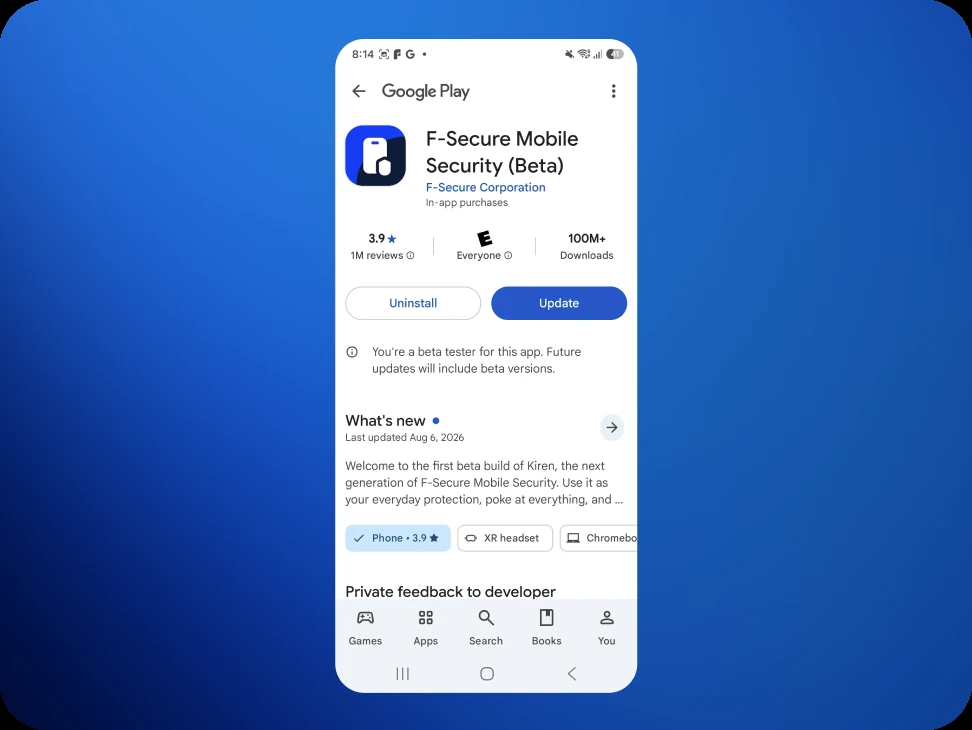
Tap Update. The What's new section describes the Kiren build rather than the older public release, which is another sign the right version is being installed.
Once it finishes, the button goes back to Open and the beta tester note stays.
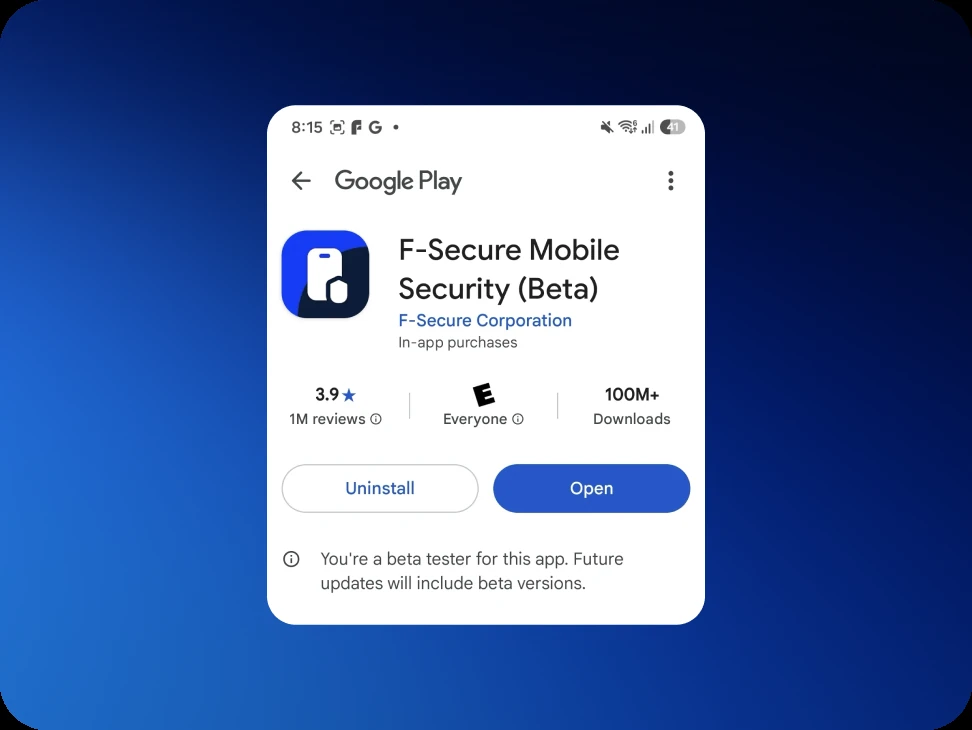
If Mobile Security is not installed on the phone yet, take the wait seriously before tapping anything. Installing before access arrives fetches the ordinary public app instead, with no error and nothing to indicate anything went wrong. If that happens, wait a few more minutes and open the invitation link again.
First run
Kiren takes over from there and asks for an email address to set the account up. A one-time login code is sent to that address.
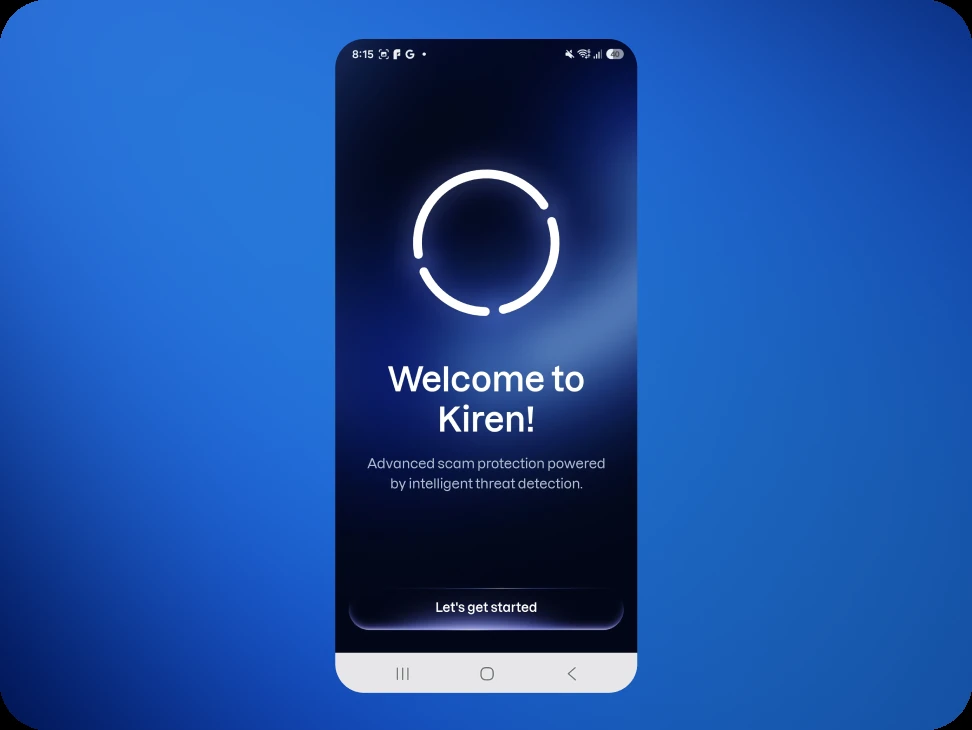
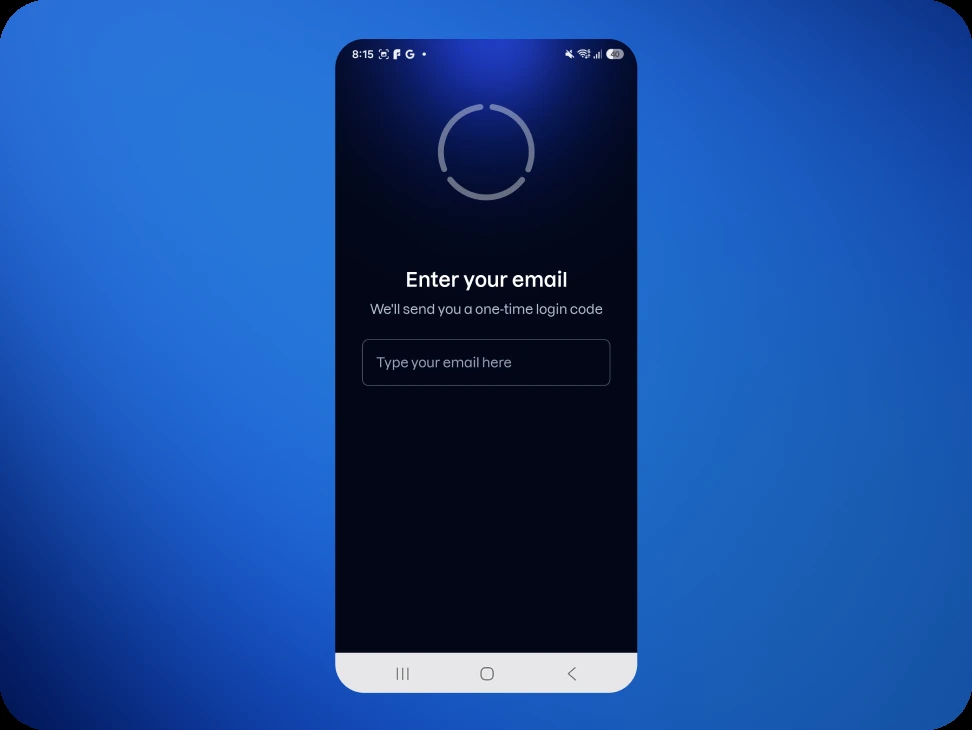
Any address works here. Using the same one the beta was signed up with is worth doing where possible, because it lets an existing subscription be recognized straight away. With a different address, restoring the purchase may be needed later on. Nothing breaks either way.
If the update will not install
The first attempt sometimes fails with "Can't update F‑Secure Mobile Security", which suggests trying again. This is worth doing, because it usually works on the second attempt.
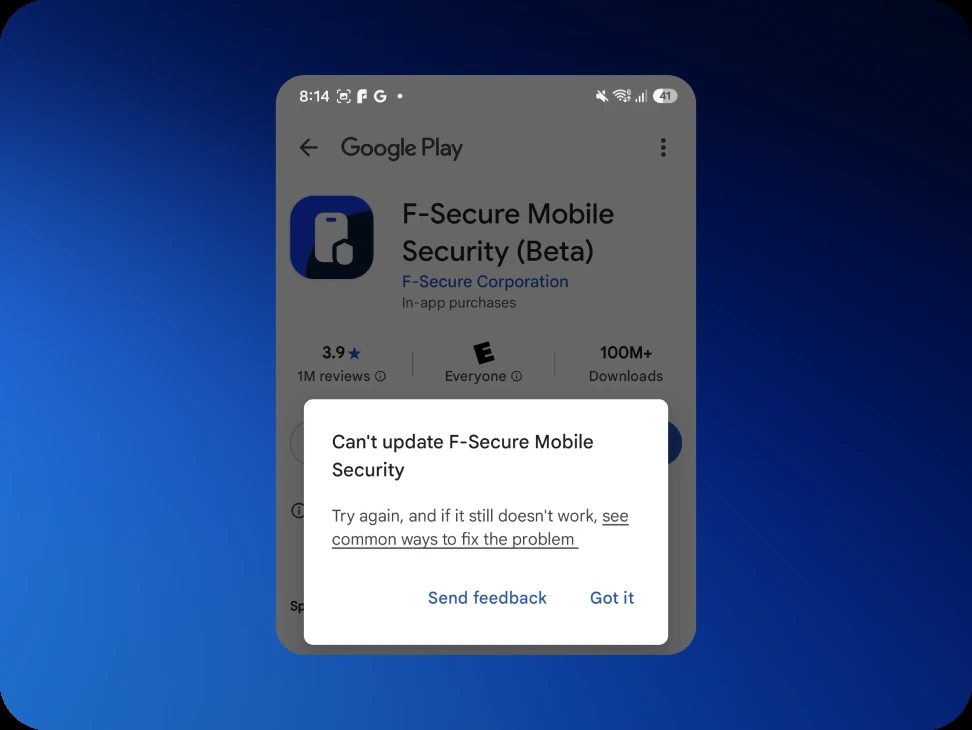
Tap Got it, then Update again. If it fails a second time, close the Play Store completely, reopen it, and try once more.
If the button still reads Open rather than Update well after half an hour, close the Play Store completely, reopen it, and load the invitation link again.
If the store says the app is not available
Opening the invitation link with the wrong Google account signed in gives "App not available", and explains that the account is not currently eligible for the app's testing program.
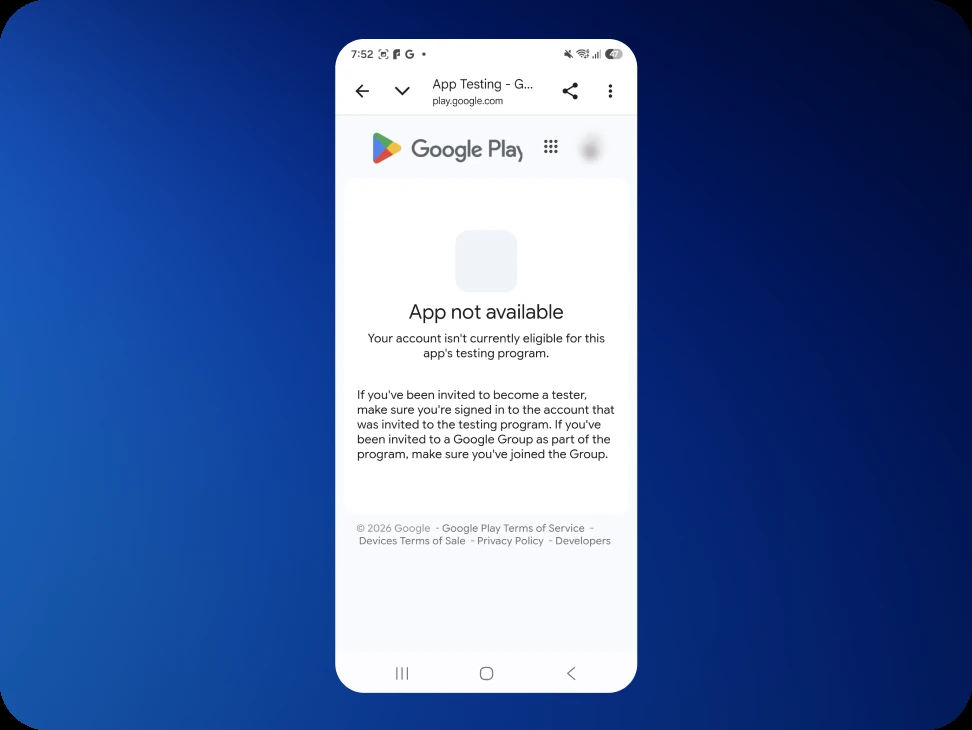
This almost always means the phone, or the browser the link opened in, is signed in to a different Google account than the one on the tester list. Check the profile icon in the Play Store, and send us the right address using the form.
The account signed in to the browser is what counts, not the address the invitation was emailed to. Opening the link from the Gmail app uses the right account automatically.
Sending feedback
Anything that looks wrong, confusing, or simply worse than expected is worth telling us about, including the setup itself. Write to support@kiren.com, which reaches the people building this. Finding this kind of thing early is the whole point of a beta.
Stopping at any time
Leaving the beta and going back to the public Mobile Security app does not affect the subscription. The steps are in Leaving the beta.